When writing articles and emails, it is natural to repeatedly use the same words and for the tone of sentences to not come across properly. The AI platform called ‘QuillBot’ helps us rewrite the ideas we write clearly, without grammatical errors, and in an engaging way.
The special feature of this tool is its ability to paraphrase the sentences provided by the user using different, elegant words without changing their meaning.
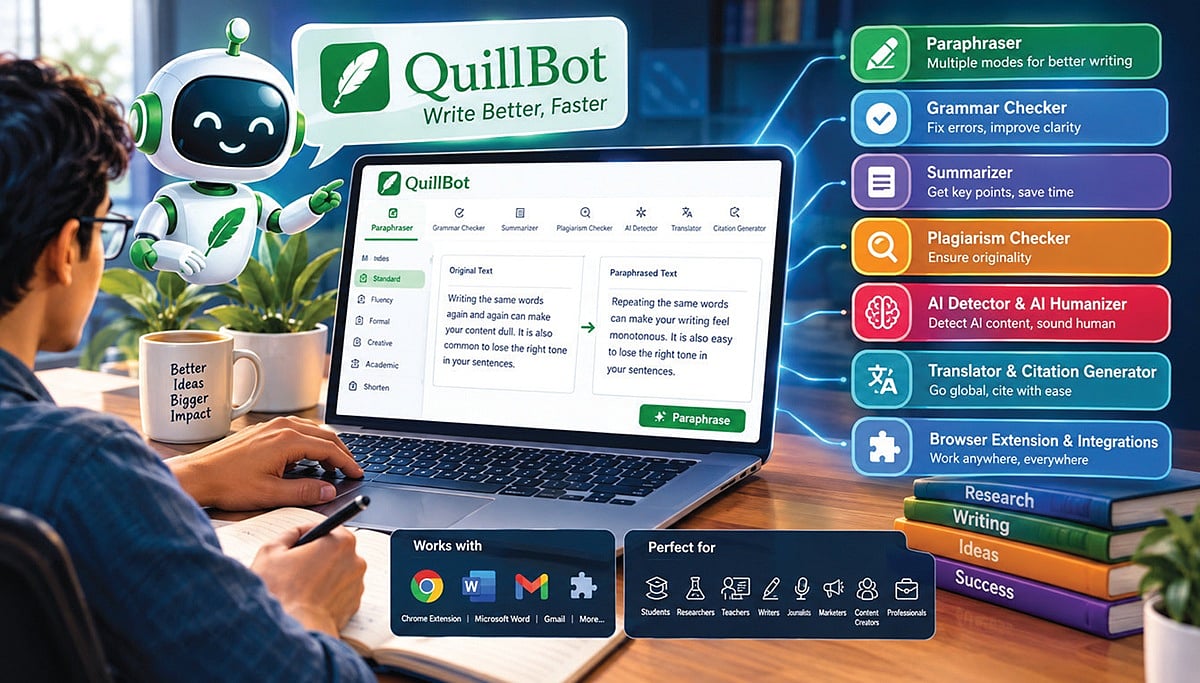
The art of rewriting - ‘Paraphraser’. In its ‘Paraphraser’ section, there are several modes such as ‘Standard’, ‘Fluency’, ‘Formal’, ‘Creative’, ‘Academic’, and ‘Shorten’. If we enter the phrases we have written into it, it rearranges the sentence structure and words in seconds according to the type we choose, without changing the meaning.
Grammar Checker and especially Summarizer - Using the grammar checking feature of ‘Grammar Checker & Summarizer’, you can instantly correct spelling mistakes, punctuation errors, and grammatical errors in sentences. In addition, with the help of ‘Summarizer’, you can also condense the key ideas from multi-page articles into brief notes.
Plagiarism Checker and AI Detector - ‘Plagiarism Checker, AI Detector, AI Humanizer’ In academic work, copying others’ ideas verbatim (plagiarism) is a serious offense. The Plagiarism Checker here checks whether parts of our article have already been published elsewhere on the internet.
Using its AI Detector feature, you can identify AI-generated content in an article. On the other hand, using the ‘AI Humanizer’ feature, you can also transform AI-generated content so that it reads as if it were written by a human.
Translation and citation generation - The ‘Translator & Citation Generator’ also offers the ability to make accurate translations in more than thirty languages. In addition, it can be used to generate citations for research papers.
Browser extension and integrations - The ‘Browser Extension & Integrations’ feature not only lets you use the QuillBot platform directly, but also makes it easy to connect with apps such as the Chrome Extension, Microsoft Word, and Gmail. This allows you to make edits right there while writing emails or working on documents.
Who is it useful for? - Students, researchers, teachers, writers, journalists, marketers, content creators, and professionals who want to write without errors. In today’s digital era, QuillBot is a great help for carrying out communication and writing tasks very easily and effectively.
- Learn more.
- Author, professor, technical writer.