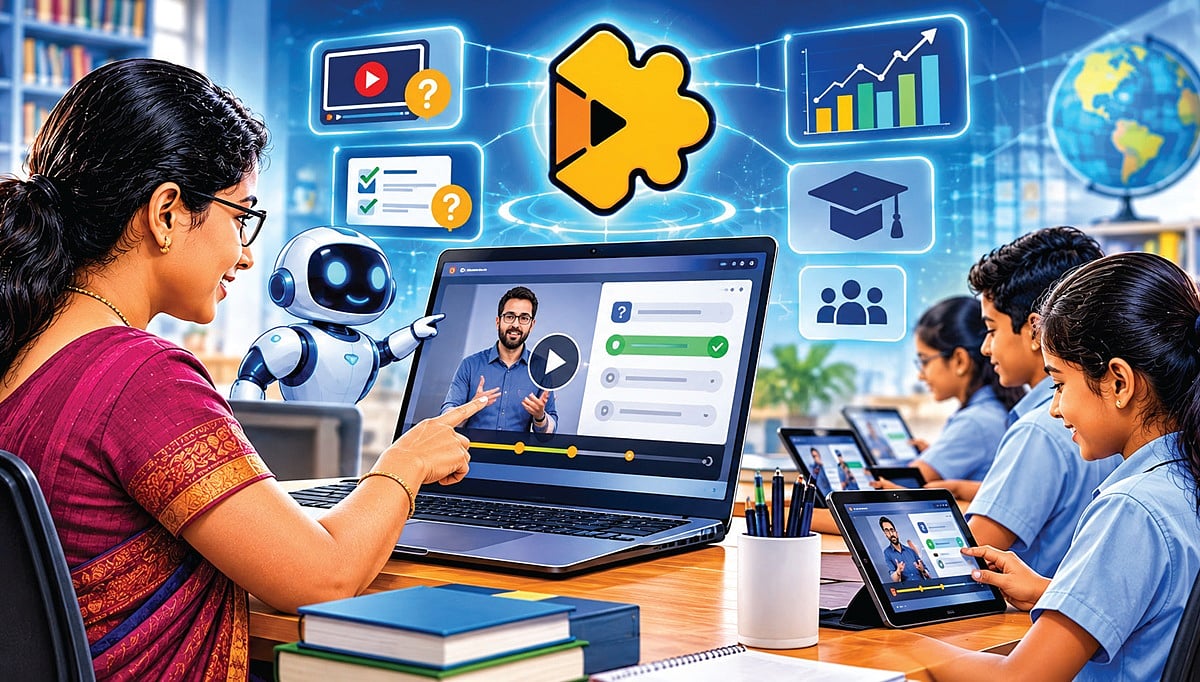
Videos play an important role in classroom teaching and online learning. However, it cannot be said that students fully understand a lesson just by watching videos. Edpuzzle is a platform that helps turn simply watching videos into active learning with student participation.
Teachers can create interactive video lessons by adding questions, notes, and explanations to videos from YouTube, Khan Academy, and videos they have uploaded themselves.
Question Generation Using Artificial Intelligence (Teacher Assist AI)
Edpuzzle’s “Teacher Assist” artificial intelligence feature helps automatically generate questions using the information in a video. It can create both multiple-choice questions and open-ended questions that require detailed answers.
Automatic Grading and Feedback (Autograding & Feedback)
Students can answer the questions linked to the video while watching it. Multiple-choice questions are graded automatically. In addition, there is an ‘Autograde’ feature for evaluating answers with the help of artificial intelligence. This can help reduce teachers’ grading workload and identify students’ learning gaps.
Prevent Skipping
This includes a feature that prevents students from skipping ahead without watching the important parts of the video. Teachers can encourage proper viewing of the video by enabling the ‘Prevent Skipping’ feature. The questions asked at intervals help direct students’ attention to the lesson.
Voiceovers and Notes (Voiceover & Audio Notes)
Teachers can record additional explanations in their own voice on videos they upload directly. They can also add text notes and audio notes at specific points. This makes it possible to adapt lesson content to students’ learning needs. However, there are restrictions on adding voice explanations directly to YouTube videos.
Learning Analytics
Teachers can find out how much of the video students have watched, how they have answered the questions, what scores they received, and which questions they made the most mistakes on. Based on this information, they can identify students who need extra attention and provide special support.
Integration with Learning Management Systems (LMS Integration)
Edpuzzle can be integrated with learning management systems such as Google Classroom, Moodle, Schoology, and Blackboard. This allows teachers to assign video lessons and track students' activities in an integrated way.
Live Classroom (Live Mode)
Teachers can display a video in the classroom and have students answer the questions in it in real time using their computer or smartphone. Based on the responses, they can assess students’ understanding and provide additional explanations where needed.
How is it different from other platforms?
On conventional video-sharing platforms, watching and sharing videos are the main activities. On the Edpuzzle platform, adding questions at specific points in a video, evaluating students’ responses, and monitoring learning progress are integrated. This makes it possible to turn video-based learning into a planned teaching activity.
Who is it useful for?
This site will be useful for school and college teachers, online trainers, and curriculum designers. The special feature of the Edpuzzle platform is that, in addition to watching videos, it gives students the opportunity to think, respond, and assess their understanding.
AI policy: Find out what rules your school or college has regarding the use of AI. Follow the rules, and use AI to improve teaching and learning. If you follow the rules, you can avoid most problems.
- Learn more.
- Author, professor, technical writer.